LawnBook™'s Tax Center tracks your real-time liability so you're never caught off guard. This guide explains everything the Tax Center shows and how to use it throughout the year.
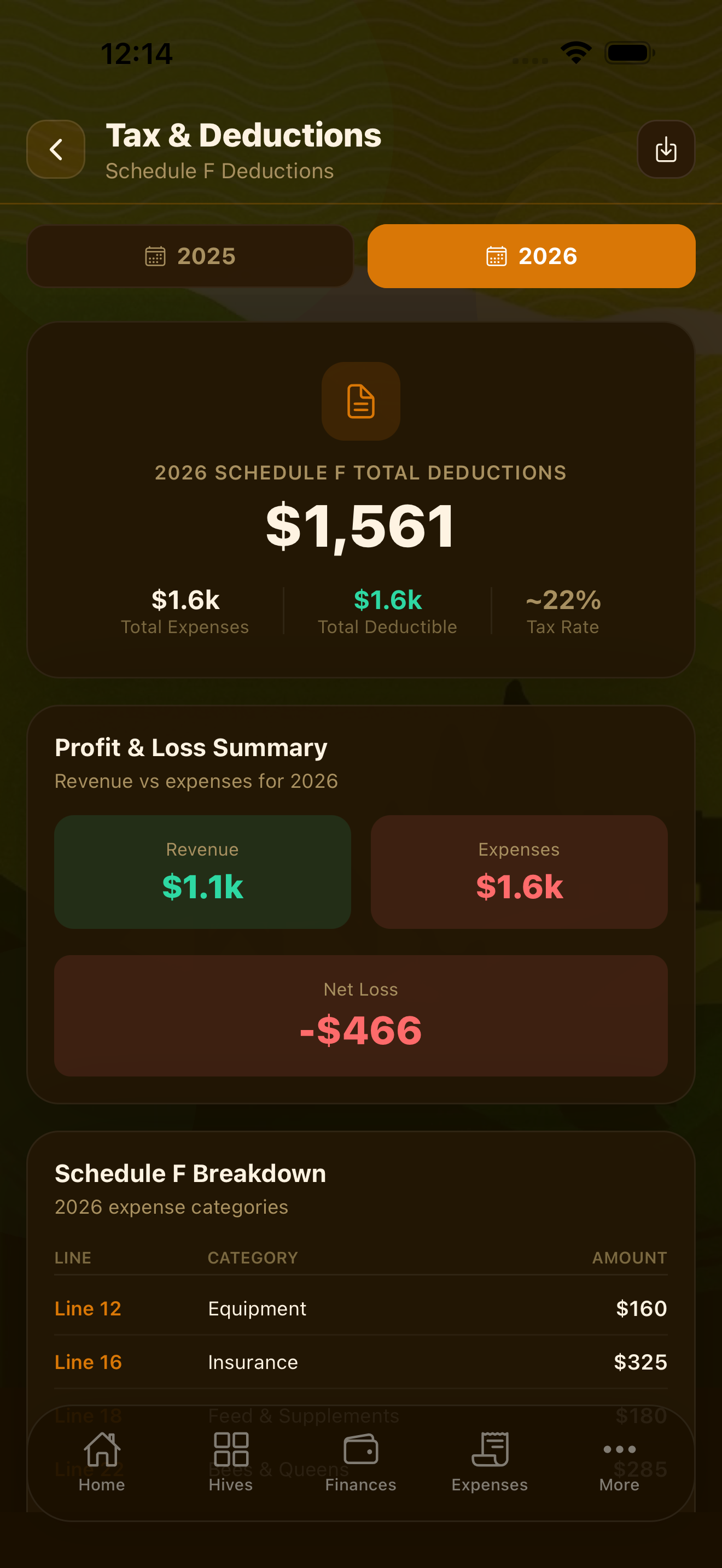
Real-Time Tax Liability
The Tax Center's main screen shows your estimated federal tax liability as of today. This number is calculated from your year-to-date revenue minus your year-to-date deductible expenses, then applying the self-employment tax rate and estimated income tax rate based on your filing status.
Set your filing status and estimated total household income in Settings → Tax Profile so LawnBook can apply the right tax bracket. The liability figure updates automatically every time you add income or log an expense.
Quarterly Estimated Tax Payments
The IRS requires self-employed individuals to pay estimated taxes four times a year. LawnBook tracks the standard quarterly deadlines and shows how much you should pay for each quarter based on your running income and expense data.
Standard estimated tax due dates:
- Q1 (Jan–Mar): Due April 15
- Q2 (Apr–May): Due June 15
- Q3 (Jun–Aug): Due September 15
- Q4 (Sep–Dec): Due January 15 of the following year
The Tax Center shows a countdown to each deadline and the recommended payment amount. When you make a quarterly payment, log it in LawnBook so the liability tracker reflects what you've already paid.
Schedule C Reports
IRS Schedule C is the tax form self-employed individuals use to report business income and expenses. LawnBook generates a Schedule C-formatted report at any time from Tax Center → Reports → Schedule C.
The report includes all 20+ Schedule C expense categories, automatically populated with your categorized expenses for the selected year. Revenue figures come from your completed and paid invoices. You can export this report as a PDF to hand directly to your accountant.
Mileage Deductions
Business mileage is one of the most valuable deductions for lawn care operators. LawnBook calculates your deduction using the current IRS standard mileage rate applied to all business miles logged in the Routes tab and mileage tracker.
The Tax Center shows your total business miles driven year-to-date and the corresponding dollar deduction. This figure flows automatically into your Schedule C report under "Car and truck expenses."
To maximize this deduction:
- Log every job via the Routes tab so drive mileage is recorded
- Log supply runs and other business trips via the Mileage Tracker
- Note the purpose of each trip (required by IRS for mileage substantiation)
Tax Optimizer
The Tax Optimizer analyzes your current year data and surfaces specific actions that can reduce your tax bill before year-end. Suggestions include:
- Purchasing deductible equipment before December 31 (Section 179)
- Prepaying deductible expenses for the coming year
- Contributing to a tax-advantaged retirement account (SEP-IRA)
- Ensuring all mileage is properly logged
- Verifying recurring expenses are categorized correctly
Each suggestion includes an estimated tax savings and a simple explanation of the strategy. The optimizer runs on-device and refreshes as your data changes through the year.
Profit & Loss Statements
Generate a P&L statement for any date range from Tax Center → Reports → P&L Statement. The statement shows:
- Gross revenue (from invoices)
- Cost of goods sold (supplies used per job)
- Gross profit
- Operating expenses by category
- Net profit or loss
P&L statements can be exported as PDF or CSV. Many lenders require them for small business loans, so having them available on demand is useful beyond just tax season.
Exporting Data for Your Accountant
The Tax Center's export function packages everything your accountant needs into a single ZIP file:
- Schedule C report (PDF)
- P&L statement (PDF and CSV)
- Expense detail by category (CSV)
- Mileage log (CSV)
- Invoice summary (PDF)
Go to Tax Center → Export for Accountant, select the tax year, and share the ZIP via email or AirDrop. No need to gather spreadsheets or dig through paper receipts.
Year-Over-Year Comparison
The Tax Center includes a year-over-year comparison view showing revenue, expenses, and net income across multiple years. This is useful for tracking business growth and spotting trends in your cost structure over time.